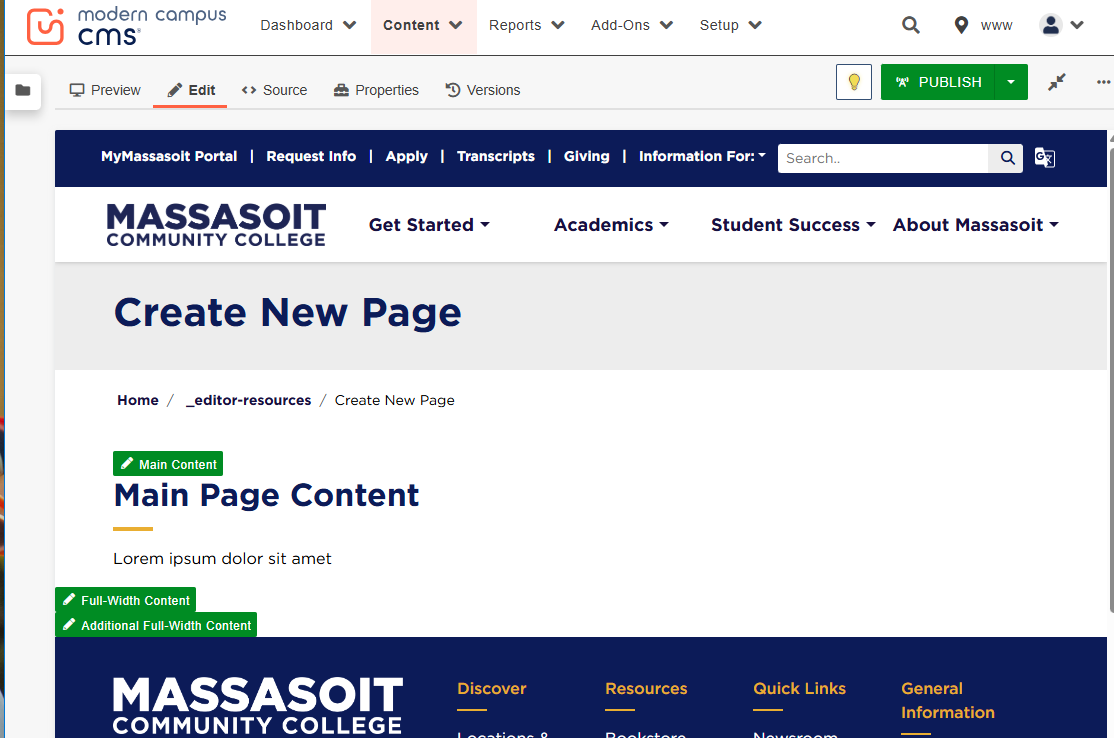
Create New Page
Creating a New Page
Support article: Create a New Page
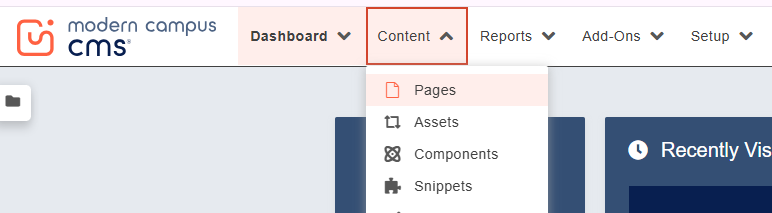
- Click on Content and Pages
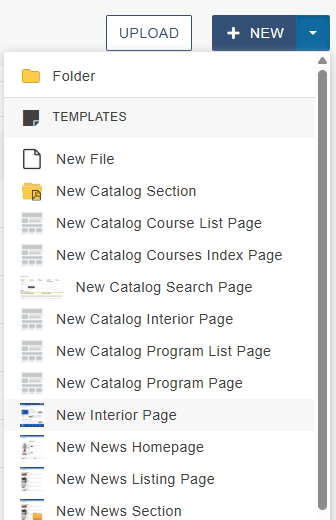
- Scroll down to, and click on, the desired folder/section location, then click +NEW.
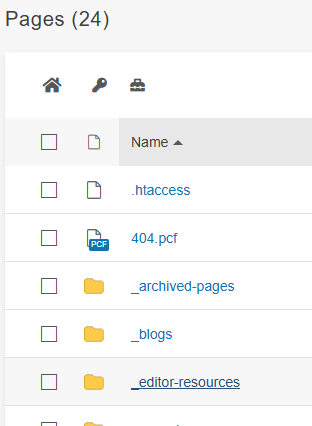
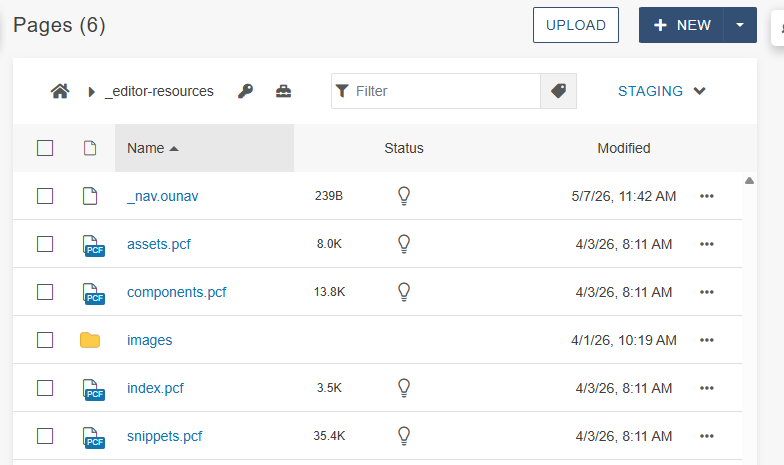
- Scroll down to, and click on, the desired folder/section location, then click +NEW.
- Select New Interior Page
[PC – icons/ mobile- list]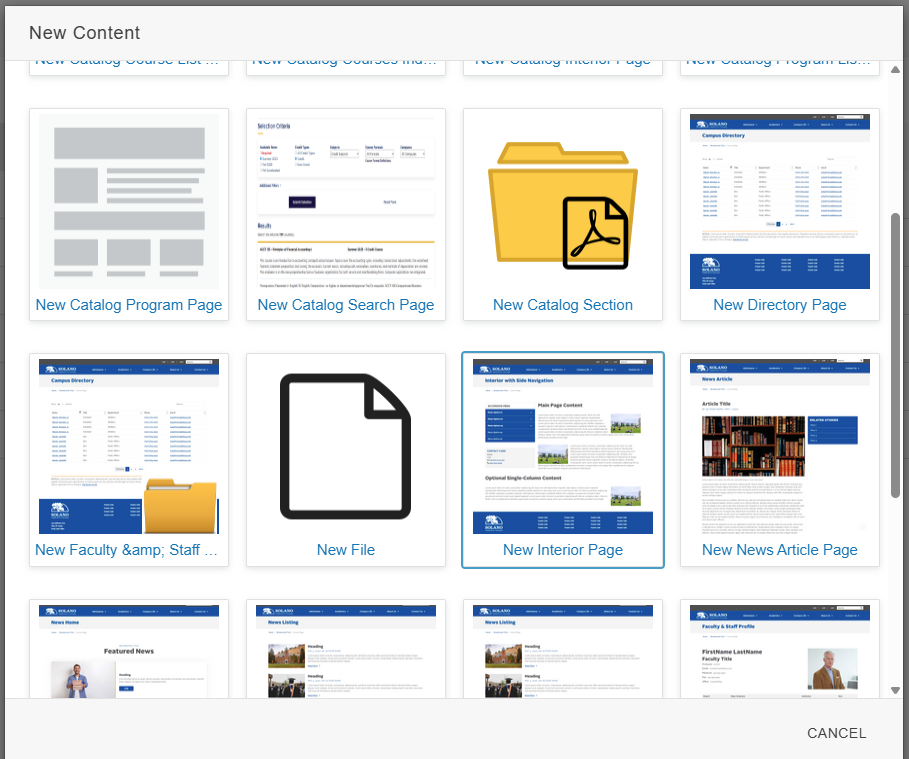
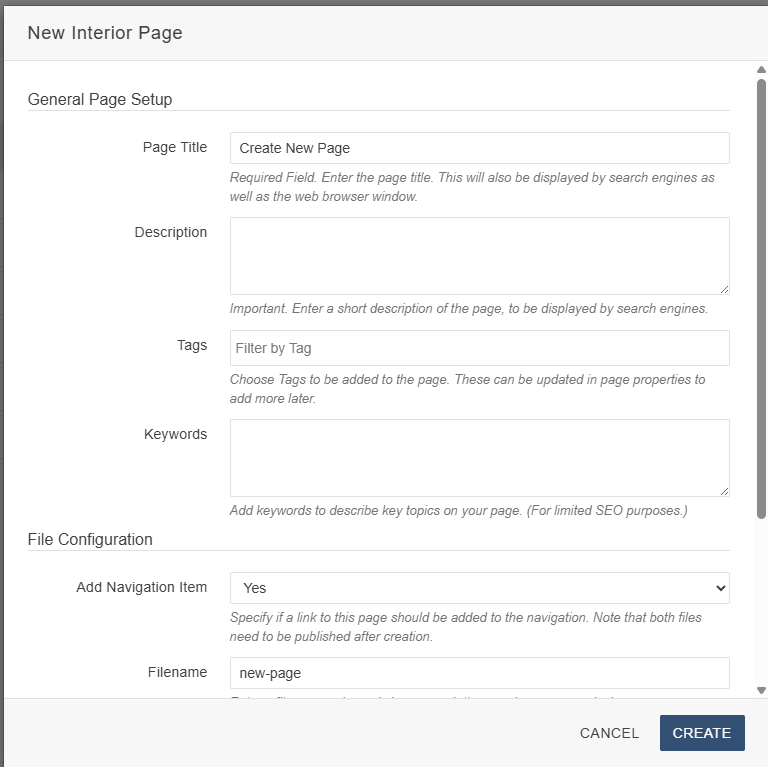
- Page setup
- Page Title and Filename are required.
- Click CREATE
- Brings you to an editable page